Now on Microsoft Store · Windows 11

Simply your library.
Designed for privacy.

Obsidian is a Windows ebook reader built around library management and privacy. Point it at your folders, organize EPUBs and PDFs, and read entirely offline — with no accounts, ads, or telemetry.

  • Folder-based library
  • No accounts or telemetry
  • Built for Windows 11
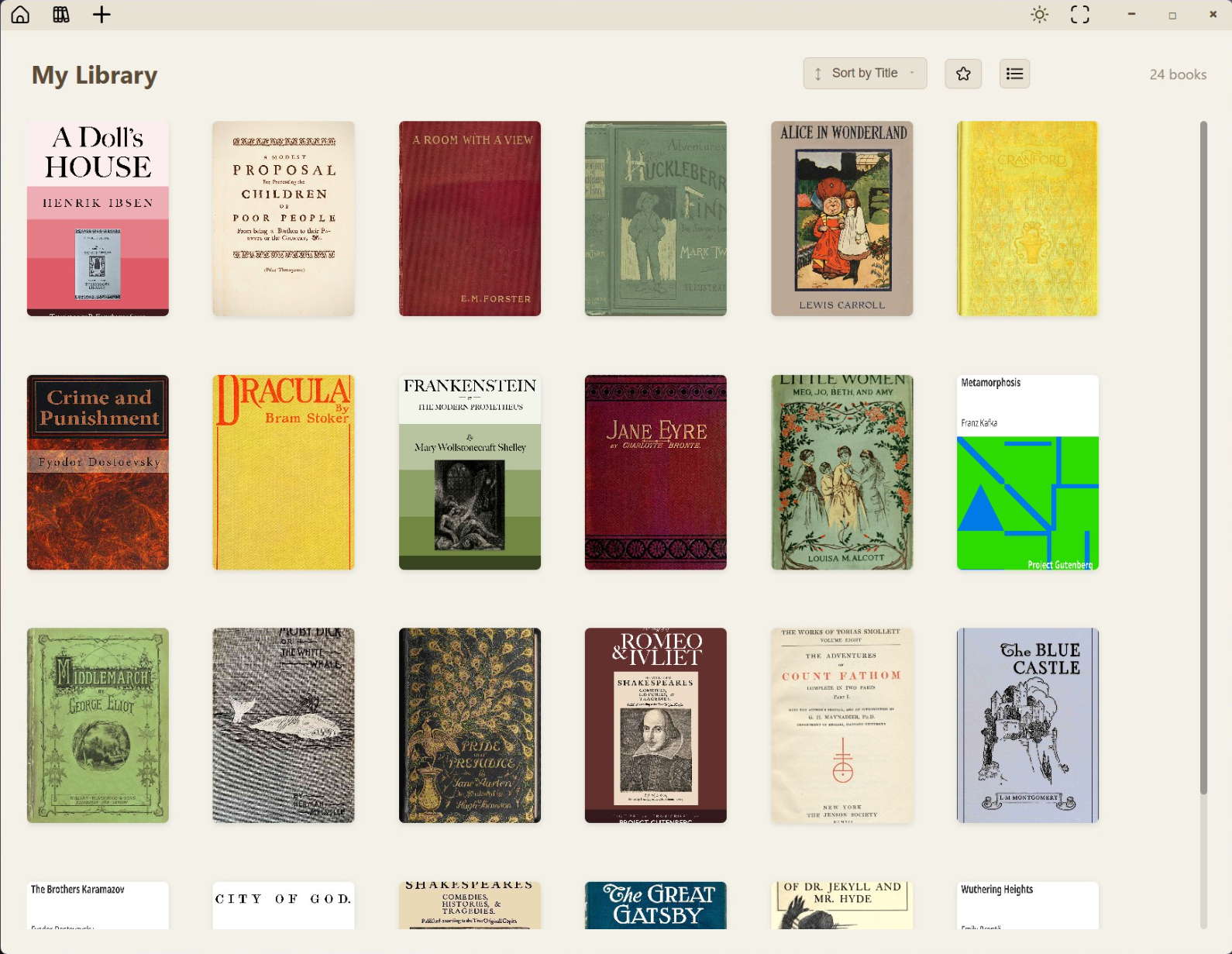
Obsidian Ebook Reader showing the My Library list view on Windows
Library Folder sync & organization
Private Zero data collection
Offline No cloud required
Windows Native Windows 11 app

Features

Built for your library and your privacy

Organize books from your own folders, keep everything on your machine, and read without handing data to anyone else.

Library management

Add books your way

Import one file at a time, pull in a whole folder, include nested subfolders, or set up folder sync so your library stays up to date automatically.

  • Add File — single EPUB or PDF
  • Add Folder — bulk import
  • Include Subfolders
  • Sync Folders — auto-scanned directories
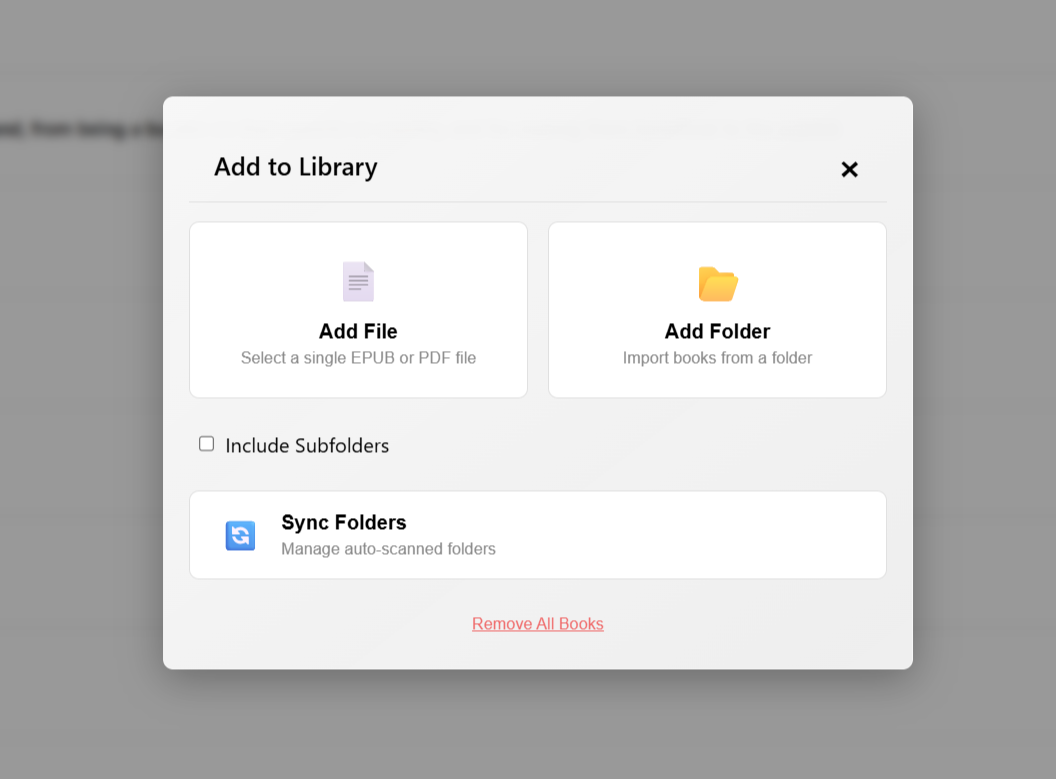
Add to Library dialog with options to add a file, add a folder, include subfolders, and sync folders

Library management

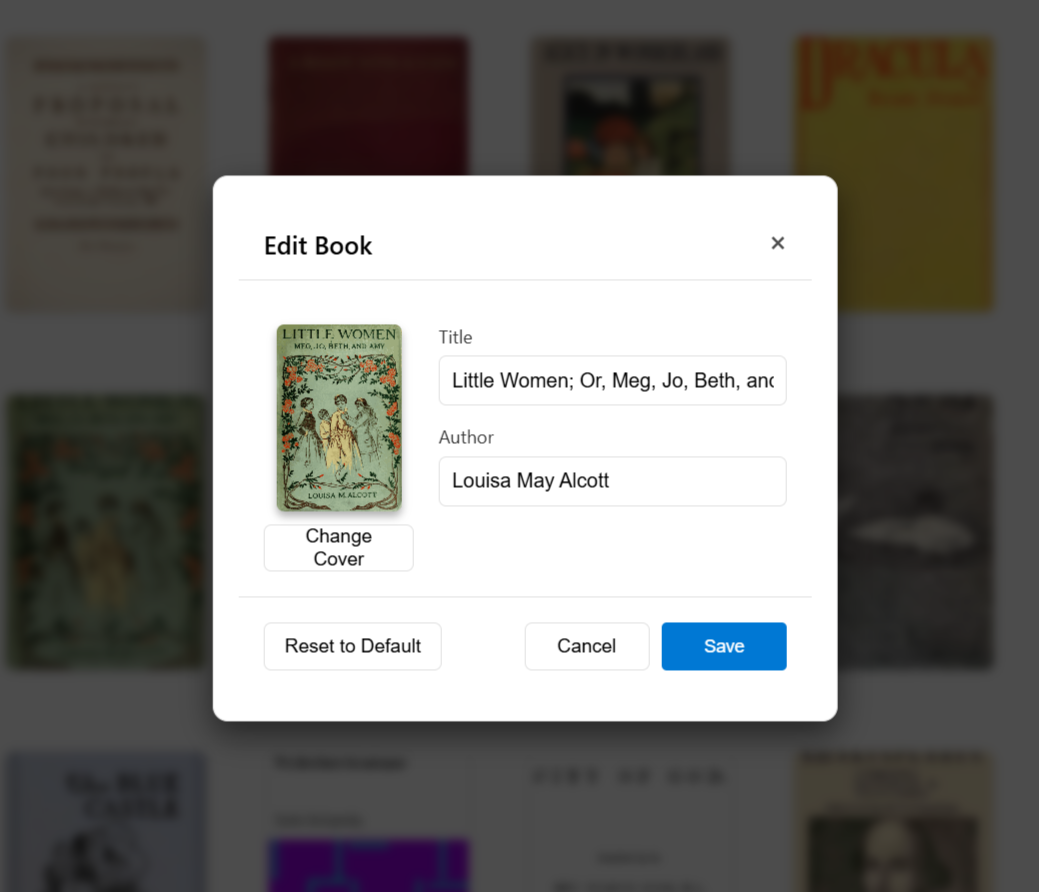
Edit book metadata

Fix titles, authors, and cover art after import so large collections stay organized. Premium lets you curate every detail of your shelf.

  • Edit title and author
  • Replace cover images
  • Reset to defaults when needed
Edit Book dialog for updating a book title, author, and cover

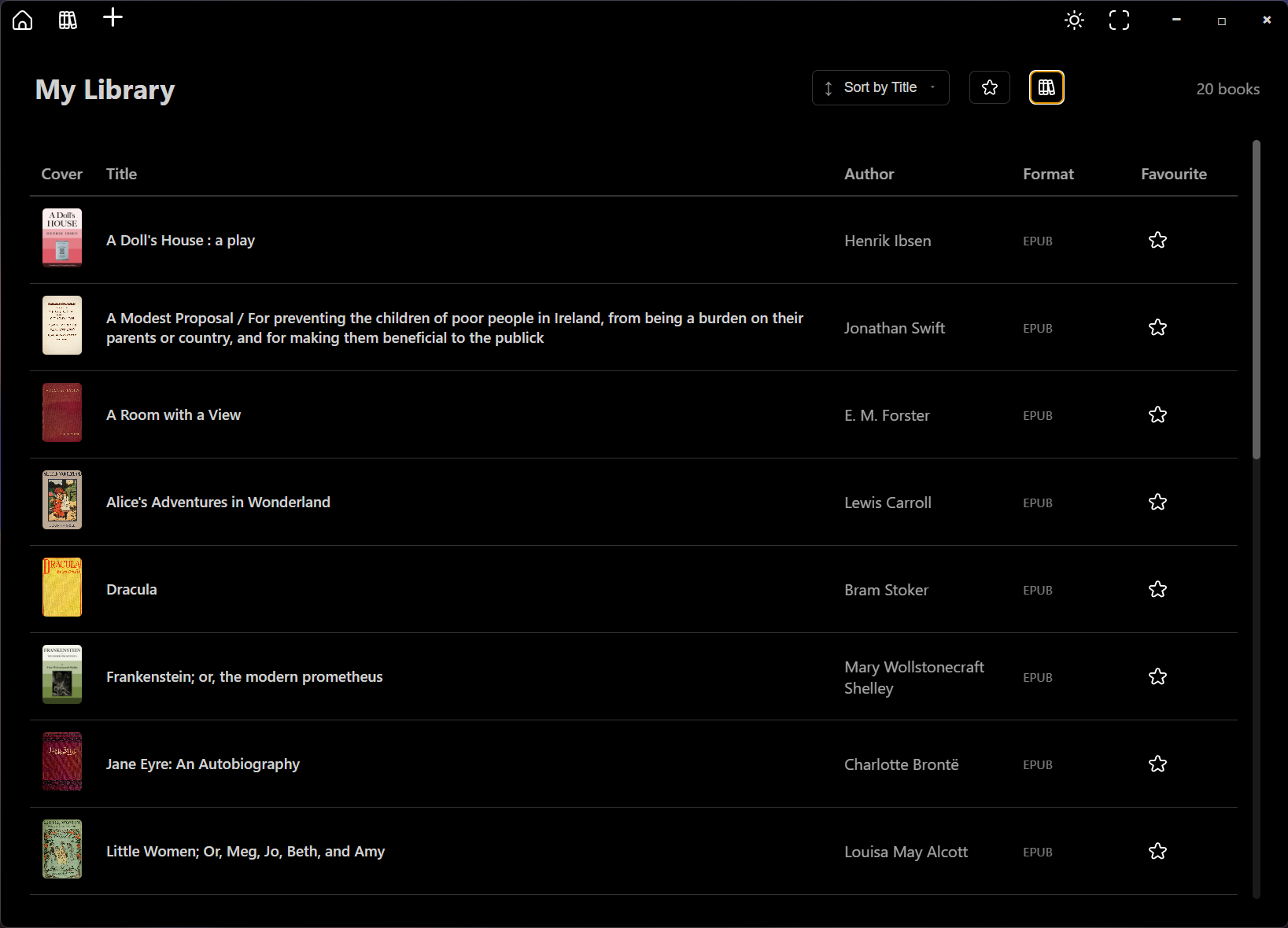
Your library

Browse and organize at a glance

See covers, titles, authors, and formats in a sortable list. Mark favorites, switch views, and manage growing collections without losing track of a single book.

  • Sort and filter your collection
  • List and grid-style browsing
  • Light and dark interface themes
My Library view in dark mode showing book covers, titles, authors, and EPUB format

Reading experience

Typography and layout controls

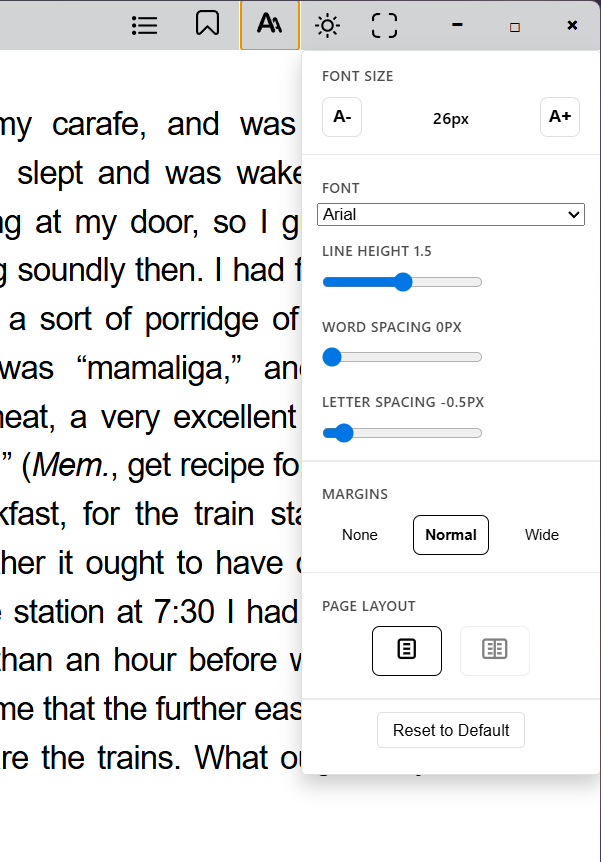
Open the styling panel while you read to adjust fonts, spacing, and margins. Dial in a comfortable layout for long sessions on any screen.

  • Font family and size
  • Line, word, and letter spacing
  • Margin presets and page layout
Reading view with styling panel open for font size, font family, spacing, and margins

Pricing

Choose your version

Start reading for free, or unlock unlimited library power with Premium.

Essential

Everything you need to start reading

  • Read EPUBs and PDFs
  • Themes and font styling
  • Up to 50 books
  • Folder sync
  • Subfolder import
  • Edit book info & covers

Both versions are available on the Microsoft Store. Need help choosing? Visit our Support page.

Ready to take control of your library?

Download Obsidian on Windows and keep your ebooks organized, offline, and private.

Get Obsidian